Smylte - Save social media posts, library & downloader
Keep useful social posts on your own device, search your local Library and download supported media. Smylte supports Threads, Instagram, Facebook, X, Patreon (beta) and Pinterest, with different options for each source. Pinterest is download-only; Pins are not added to the Library. Search saved post text, recognized picture text and available saved comments. Successfully saved text, previews and downloaded media remain viewable after the original is deleted, as long as you keep your local copy. Formerly Post Library — the same extension and local Library.
v0.55.15 · Published in the Chrome Web Store
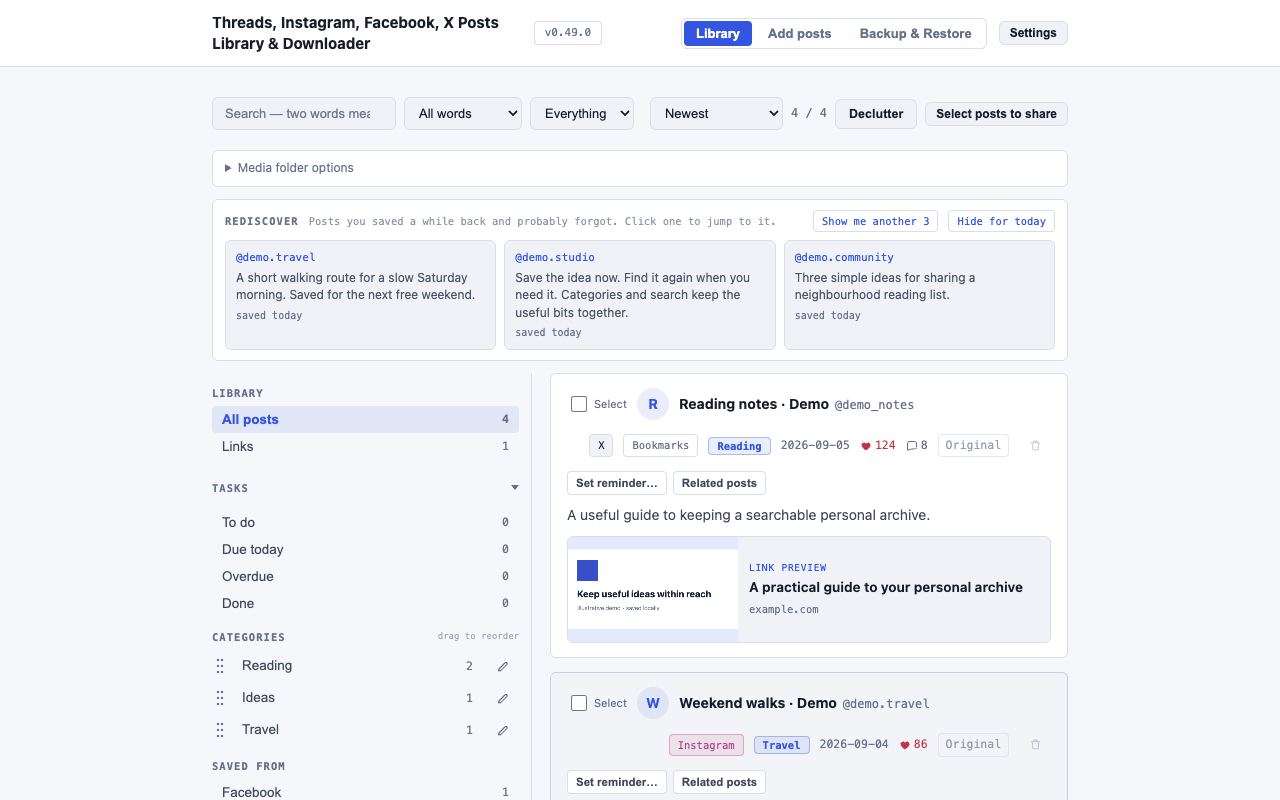
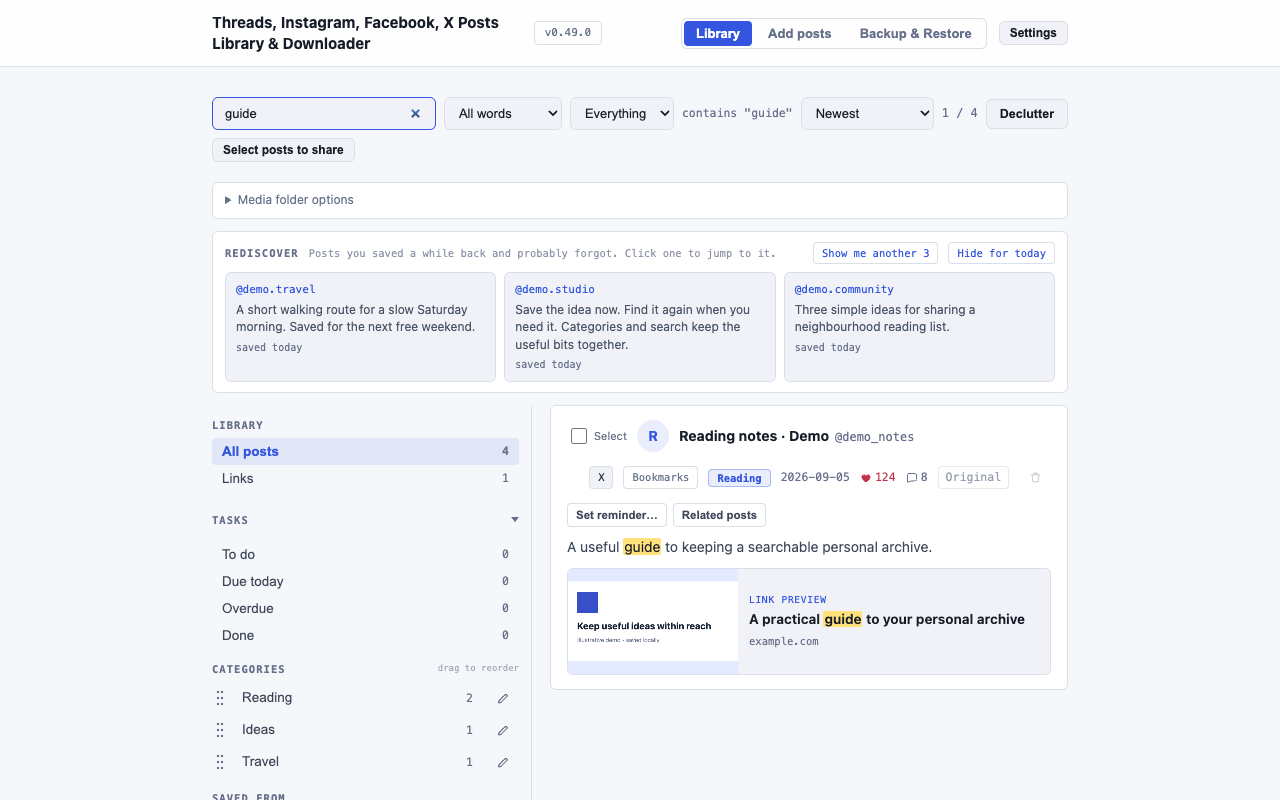
v0.55.15 is available in the Chrome Web Store, verified on 24 October 2026. The public GitHub repository contains documentation and updates; Smylte remains closed source. Screenshots below show the earlier v0.49.0 interface with labelled Demo records.
Read the release notes →- Role
- Design · Engineering
- Year
- 2026
- Stack
- Chrome Extension (MV3) · JavaScript · IndexedDB · PP-OCRv5 · ONNX Runtime · Python
 Current public release ↗
 - Under the hood
- Manifest V3 with a service-worker background and plain JavaScript. Local OCR uses PP-OCRv5 with ONNX Runtime. It reads Threads embedded page data before falling back to the page itself. A Threads Article keeps its complete title and body when Threads exposes them; otherwise the saved result is clearly labelled as preview-only. Supported X external articles keep a separate Link preview, with searchable article title, site and URL. A valid thumbnail is saved locally when available; otherwise the text preview remains. This artwork is separate from native photos and excluded from Download photos only and OCR.
Learn Smylte
Find the steps and limits for your source, or learn how to search, protect and reuse your saved material.
By source
- How to download Threads videos and photos
- Save Instagram posts and download supported photos or videos
- Save supported Facebook posts, photos and Reels
- Save X bookmarks, like history and supported post media
- Save accessible Patreon posts and supported media
- Download supported Pinterest photos and videos from one Pin
What each source supports
This is the supported scope in v0.55.15, available in the Chrome Web Store. Access depends on your account and what the site loads; it is not a promise to download every post or video.
| Source | Save to Library | Download photos or videos |
|---|---|---|
| Threads | Your Saved list, publicly loadable original posts from a specified profile, and supported exact post or reply links. | Supported exact links. Batch preview is available. |
| Your Saved list, a specified public profile, and supported exact post or Reel links. | Supported exact links. Batch preview is available. | |
| Supported items loaded from your Saved list, plus supported exact text/photo posts, photo carousels, direct photos and Reels. | Supported exact links. Batch preview is available. A signed-in live Saved-list import has not been verified here. | |
| X | Your Bookmarks, Likes History, or a supported exact post link. History skips existing posts by default; Update existing X posts is optional. | Supported exact links. Batch preview is available. X quoted-post media and reply bodies are not copied. |
| Patreon (beta) | Accessible exact posts, creator home or posts pages, and supported creator collections, according to your access. | One supported exact post link at a time. Creator-page and collection links are Library imports, not download-only actions. |
| Not supported. Pins are not added to the Library. | One full pinterest.com/pin/… link at a time. Downloads only; no batch processing. |
You can also add your own pictures to the Library. Batch processing is limited to 100 supported exact links per run; Patreon and Pinterest use single-link actions. Login, privacy, site restrictions or unsupported formats can stop an operation. Only confirmed downloads count as complete.
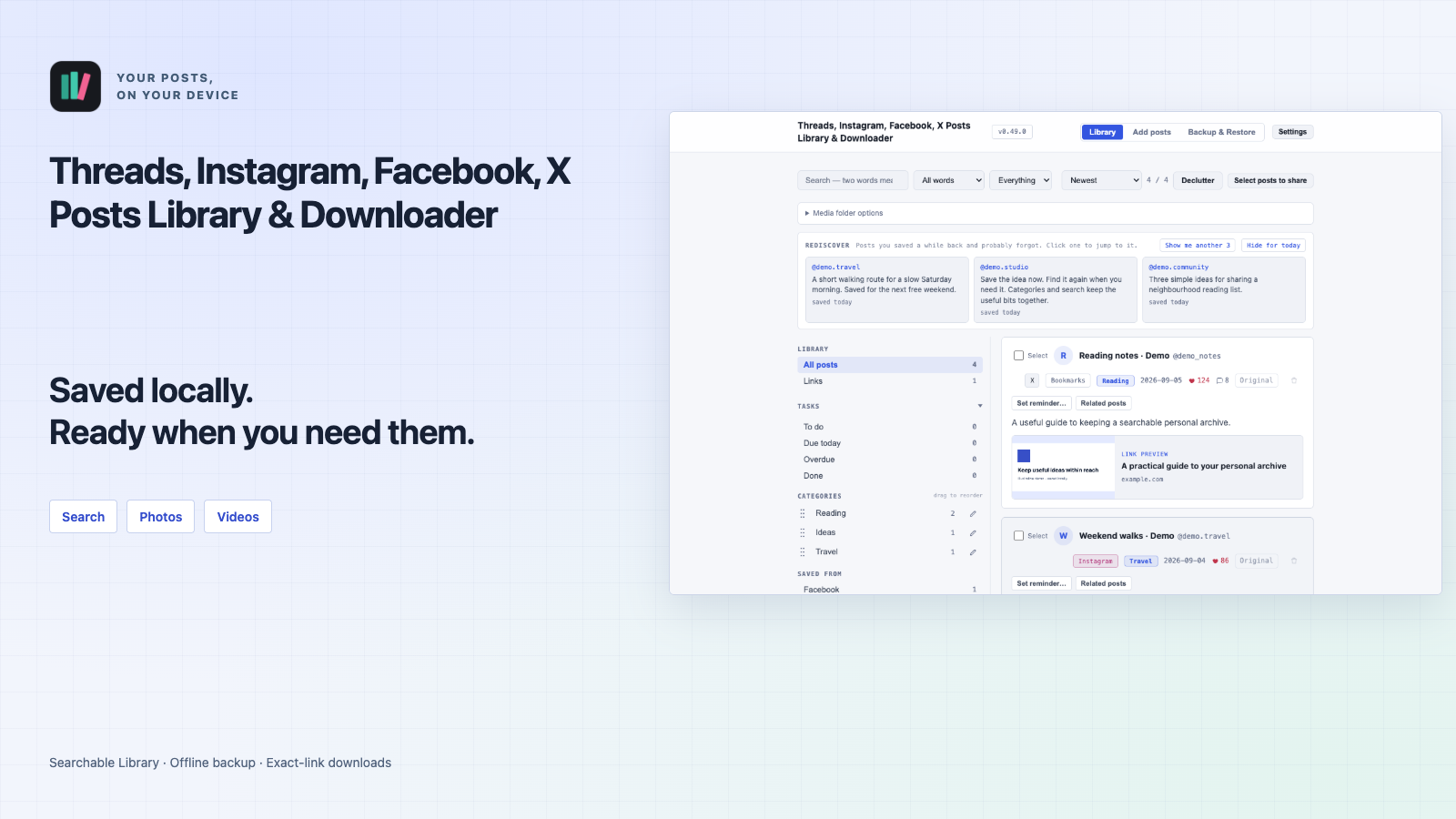
Highlights Inside v0.55.15.
- 01
Threads and Instagram
Threads supports your Saved list, publicly loadable original posts from a profile you enter, and supported exact post or reply links. Instagram supports your Saved list, a public profile you enter, and supported exact post or Reel links. Both support photo or video downloads from supported exact links. Profile imports cover only what each site loads. Download-only actions do not add a Library record.
- 02
Facebook and X
Facebook supports items loaded from your Saved list, exact text/photo posts, photo carousels, direct photos and Reels when supported. X supports Bookmarks, Likes History and exact post links. History skips existing posts by default; Update existing X posts is optional. Both support photo or video downloads from supported exact links. X quoted-post media and reply bodies are not copied. Access and supported formats vary by site.
- 03
Patreon (beta) and Pinterest
Patreon (beta) supports accessible exact posts, creator home or posts pages, and supported creator collections, according to your access. Download-only actions require one exact post link; creator pages and collections are Library imports. Pinterest supports photo or video downloads from one full Pin link at a time. Pins are not added to the Library, and batch processing is not supported.
- 04
Choose what to keep
Preview batches of up to 100 supported exact links from Threads, Instagram, Facebook or X before processing. Patreon and Pinterest require one link at a time. Threads comments can be off, the top 5 by likes (default), or all loaded comments up to 5,000 per post. Unloaded comments cannot be saved. Video availability depends on the site and format: a poster-only or incomplete result is Partial, not a saved video. Follow visible download activity and open the folder of a confirmed download.
- 05
Search words, pictures or meaning
Search saved post text, recognized picture text and available saved replies. Optional Search by meaning runs locally; first-time indexing shows progress and can stop and resume. Its built-in model occupies extra storage even when the feature is off. Image mode (beta) filters by color, aspect ratio and pixel dimensions, which may be those of a saved preview. Open a matching picture to highlight recognized lines containing your search terms.
- 06
Organize and reuse useful material
Use categories, tags, bulk category assignment and date sorting. Recently added sorts by when a post first entered your Library. Saved likes/replies counts are snapshots, not live counters. Reminders and Related posts help you revisit material; their buttons can be switched on or off independently. Hiding reminder buttons does not cancel existing reminders. Keep reusable passages in Text library and arrange supported sidebar tabs, including nested tabs.
- 07
Edit, compare and make share images
Recognize and copy picture text locally, crop, draw, add path arrows and text, or start with a resizable blank canvas. Compare two pictures side by side; the slider and translucent overlay require equal dimensions. The privacy tool suggests lines that may contain email addresses or phone numbers to cover before PNG export; inspect the final preview because recognition can miss private data. Create up to 10 PNG images from a saved entry and explicitly selected saved text comments, without changing the original record.
- 08
Keep a copy after the original is deleted
Successfully saved text, image previews and downloaded media remain available while you keep your local copy, even if the original post is later deleted. JSON export/import moves saved records without downloaded media; Full Backup & Restore also carries available local media. Keep backups: local storage is not a promise of permanent preservation. The extension uses your browser session when needed, does not bypass site restrictions, and cannot promise every video, reply, complete account history or access to private, deleted or blocked content. This version does not save webpages.
- 09
Local by default, with clear choices
Storage, OCR picture-text recognition, and meaning search operate locally. Optional AI categorization sends relevant selected post text, author handles, recognized image text and allowed category names directly to Google Gemini using your own API key; category merging sends existing and allowed category names. Provider limits or charges may apply. If you explicitly use Share, the operating system sends the selected-post file only to the person or app you choose. Neither path sends your content or key to YAKA310 STUDIO. No developer analytics or separate extension account is used. This is an unofficial tool, not affiliated with or endorsed by the supported services.
Historical Library & search screenshots · v0.49.0
These historical screenshots show the earlier v0.49.0 interface with synthetic, labelled Demo records and the previous product name. They are not screenshots of the current release. Open an image to see it at full size.