Bluetooth Shortcut Keyboard
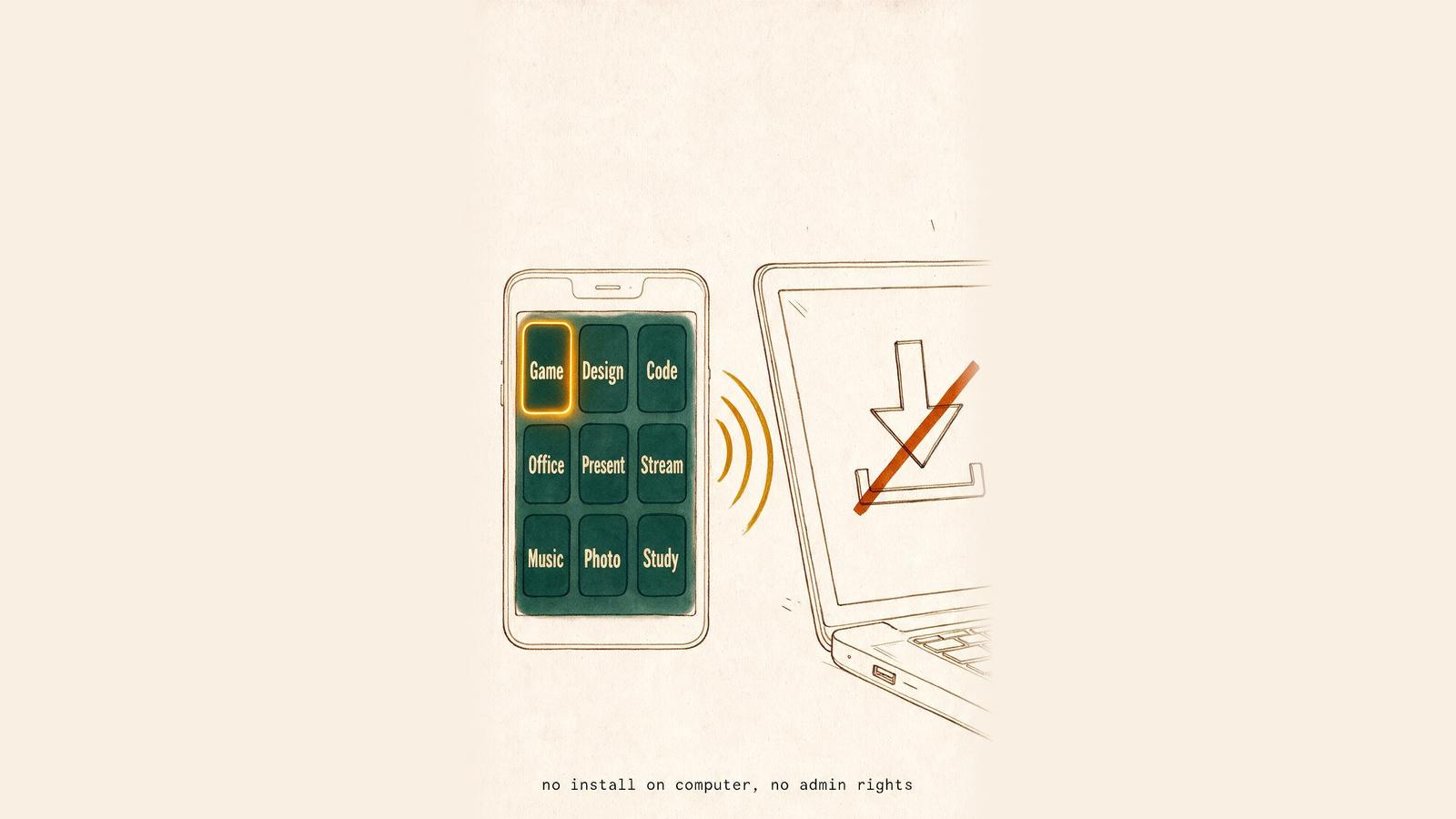
A macro pad for a work computer that will not let you install one. It pairs like any wireless keyboard, so nothing goes on the machine and there are no admin rights to ask for. Tap a button and a real key combination lands.
- Role
- Design · Engineering
- Year
- 2026
- Links
- Google Play ↗
- Stack
- Kotlin · Jetpack Compose · Bluetooth HID · DataStore
 Google Play ↗
 - Under the hood
- Kotlin and Jetpack Compose on Android's BluetoothHidDevice profile, so the computer needs no companion software. Layouts and settings save on the device and sync through a hidden folder in your Google Drive.
- Privacy & terms
- Privacy Policy Terms of Service
Learn Bluetooth Shortcut Keyboard
Set up a compatible phone, make useful shortcut buttons, and keep your layouts backed up.
Use cases
- Turn an old Android phone into a Bluetooth shortcut keypad
- Use an Android phone as a presentation shortcut remote
- Build an Android shortcut keypad for video editing
- Make an Android shortcut pad for photo editing and design
- Use an Android phone as a spreadsheet shortcut keypad
- Build an Android shortcut keypad for coding
- Make an Android shortcut panel for streaming
- Use an Android phone for customer-support text shortcuts
Setup and compatibility
Shortcuts and everyday use
- Create shortcut buttons and small macros on Android
- Use an Android phone as a Bluetooth mouse and trackpad
- Set up Air Mouse and phone volume-button controls
- Organise shortcut decks with profiles, pages and layouts
- Back up shortcut decks locally or with Google Drive
- Fix Bluetooth keyboard pairing and input problems
Highlights What we shipped.
- 01
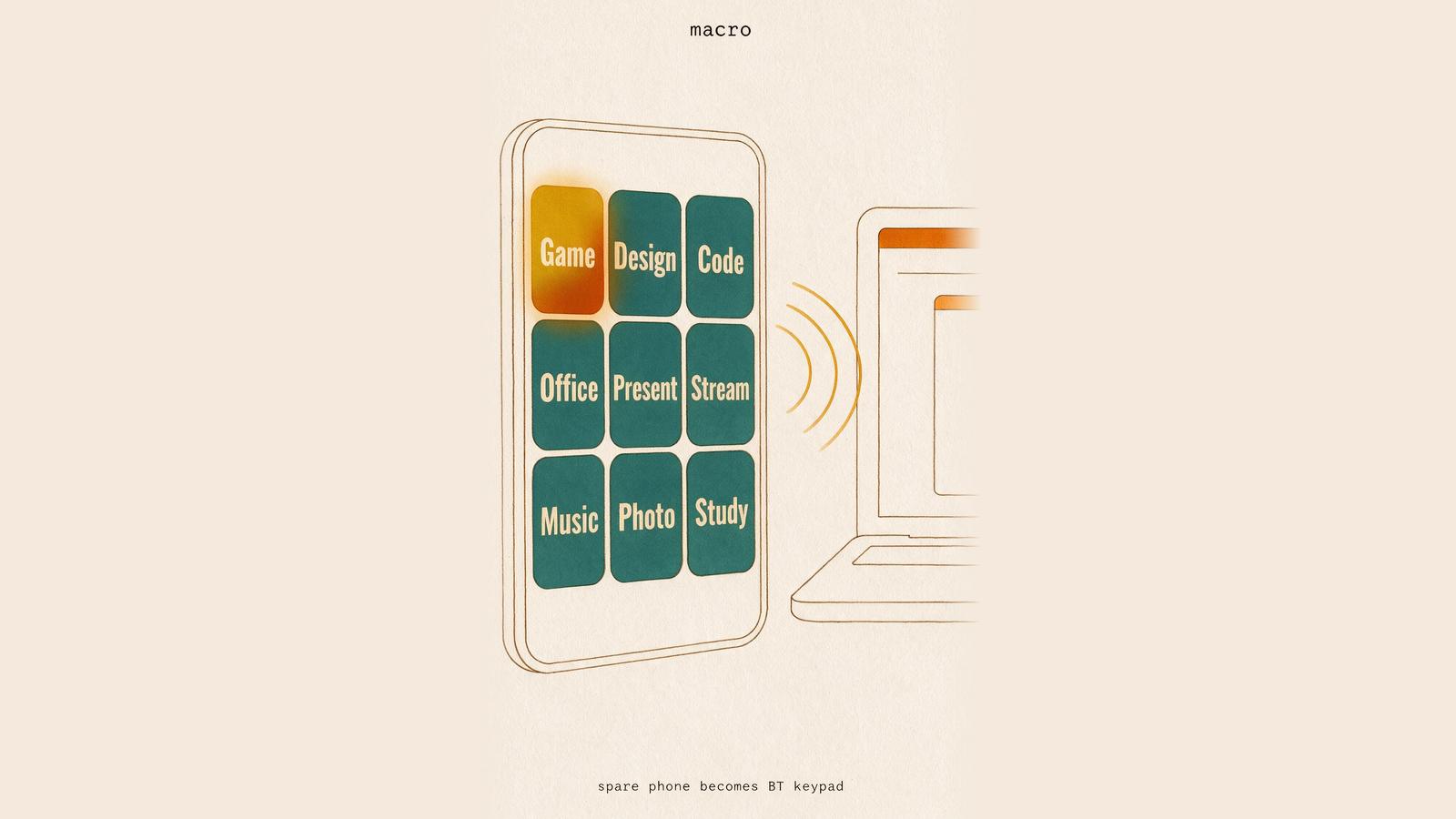
Name your own buttons
One press can fire a whole sequence — keys, typed text, a media key, a pause. Swipe between pages so your editing buttons and your office buttons stay apart.
- 02
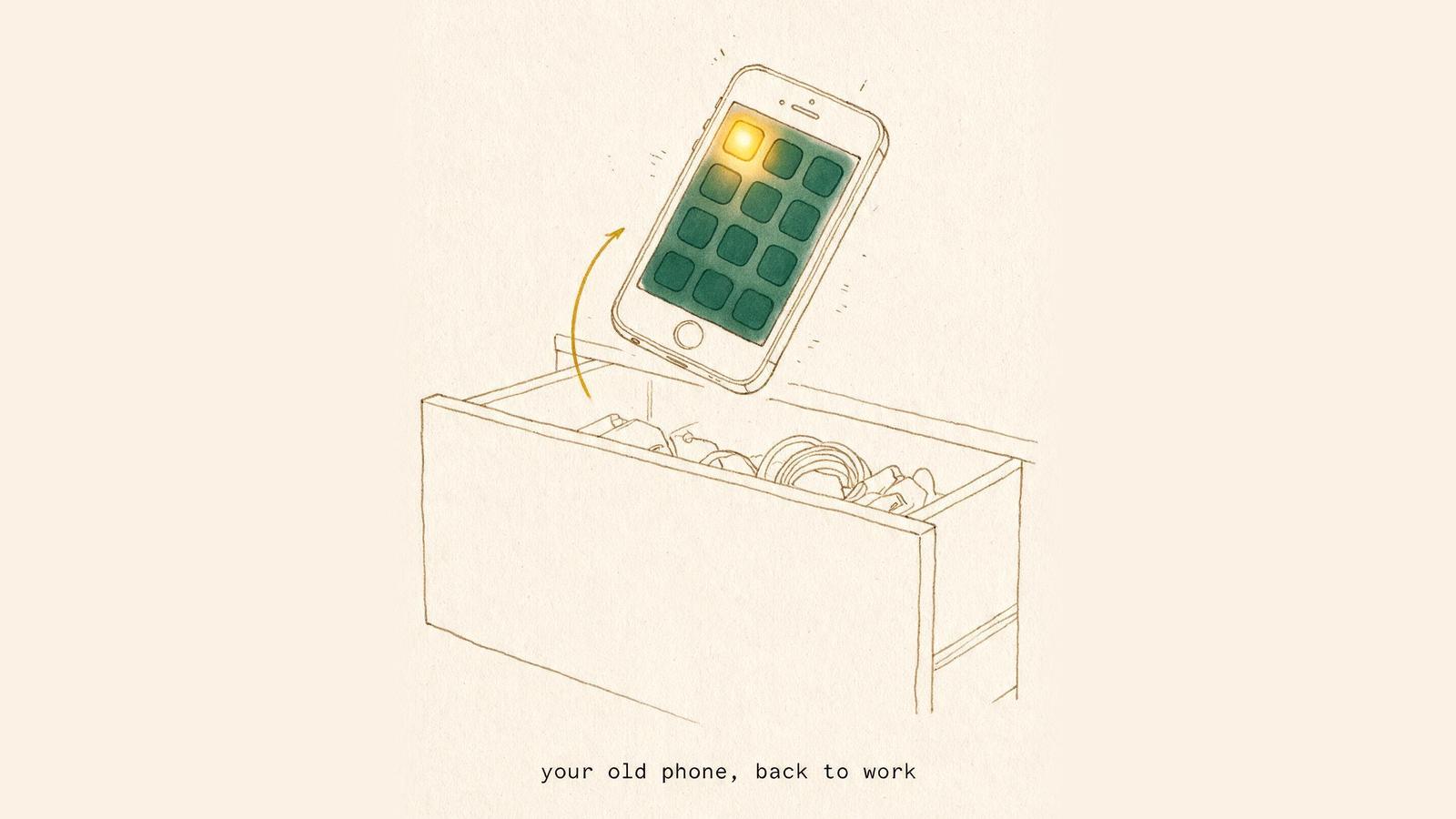
The phone in your drawer, put back to work
Nothing new to buy. The phone you stopped using at your last upgrade becomes the keypad, and nothing extra sits on the desk.
- 03
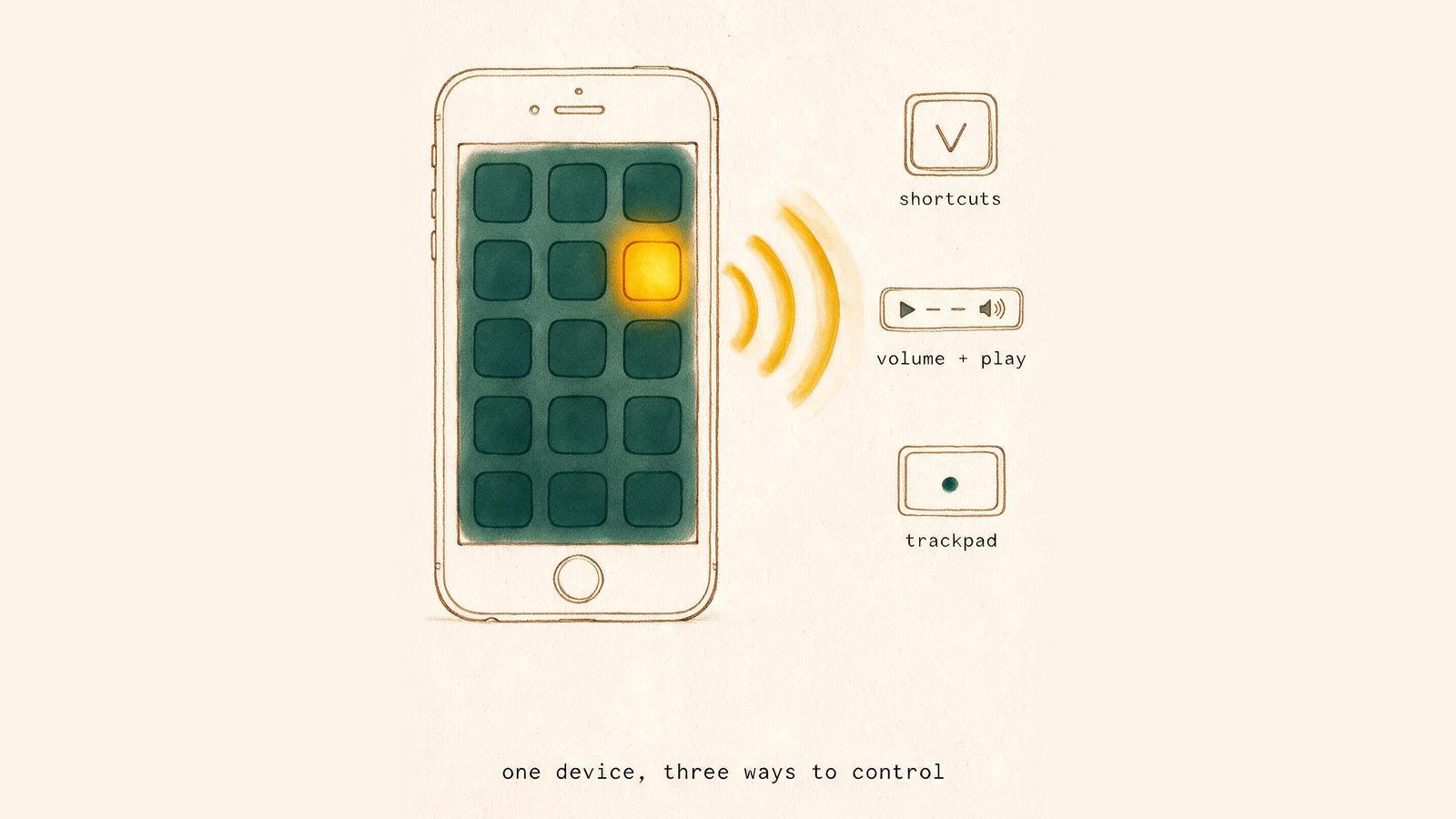
One pairing, three inputs
It is a shortcut pad first. The same pairing also shows up as a media controller and a trackpad, so those come free with it.
- 04
Nothing to install on the computer
The machine just sees a wireless keyboard — no driver, no companion app, no admin rights to ask for. That is what makes it usable on work hardware where macro pads and macro utilities are blocked.