 Google Play ↗
What to know
- Configure keys for your actual spreadsheet application and check the active cell before each action.
- Test on a disposable workbook before using the board with business data.
- Typed text uses US-layout characters; this is keyboard input, not a multilingual clipboard or spreadsheet integration.
Before you start
Connect a compatible Android 9-or-newer phone and match the Shortcut keys setting to the computer.
Use a throwaway workbook. Confirm the keyboard layout, decimal separator and spreadsheet shortcuts.
How to do it
Choose one navigation action
Verify one movement command with your physical keyboard, both with a cell selected and while editing it. Notice how the result changes.
Make the matching phone button
Choose Buttons, Edit and a slot. In Tap, add a Key press with the verified key and modifiers. Label it for the task, choose Save and then Done. Select a sample cell on the computer before tapping it.
Check data entry separately
If you need a fixed label, add another button with Type text and a short US-layout example such as Paid. Test in an empty sample cell and inspect every character. Do not add Enter or Tab until you have checked the text alone.
Verify a short repeatable workflow
Try several sample rows. Check the final selection and whether text was committed or replaced. Save the tested layout as a profile before opening a real workbook.
A first spreadsheet board
| Button | Check in a sample workbook |
|---|---|
| Next cell | The intended Tab, Enter or arrow behavior in your application. |
| Previous cell | The reverse movement you actually need. |
| Find | Whether the command opens sheet search or another search interface. |
| Undo | Whether one tap reverses only the last intended edit. |
| Fixed label | A short Type text value such as Paid, reviewed before adding navigation. |
Cells and formula editing are different contexts
A movement key may select a different cell, move inside a formula or accept an edit. The phone cannot tell which mode the spreadsheet is in. Finish or cancel the current edit deliberately before running a navigation sequence.
Keep bulk deletion and submission out of a starter board. Selection and edit mode can change what a repeated shortcut affects.
Number entry still needs a layout check
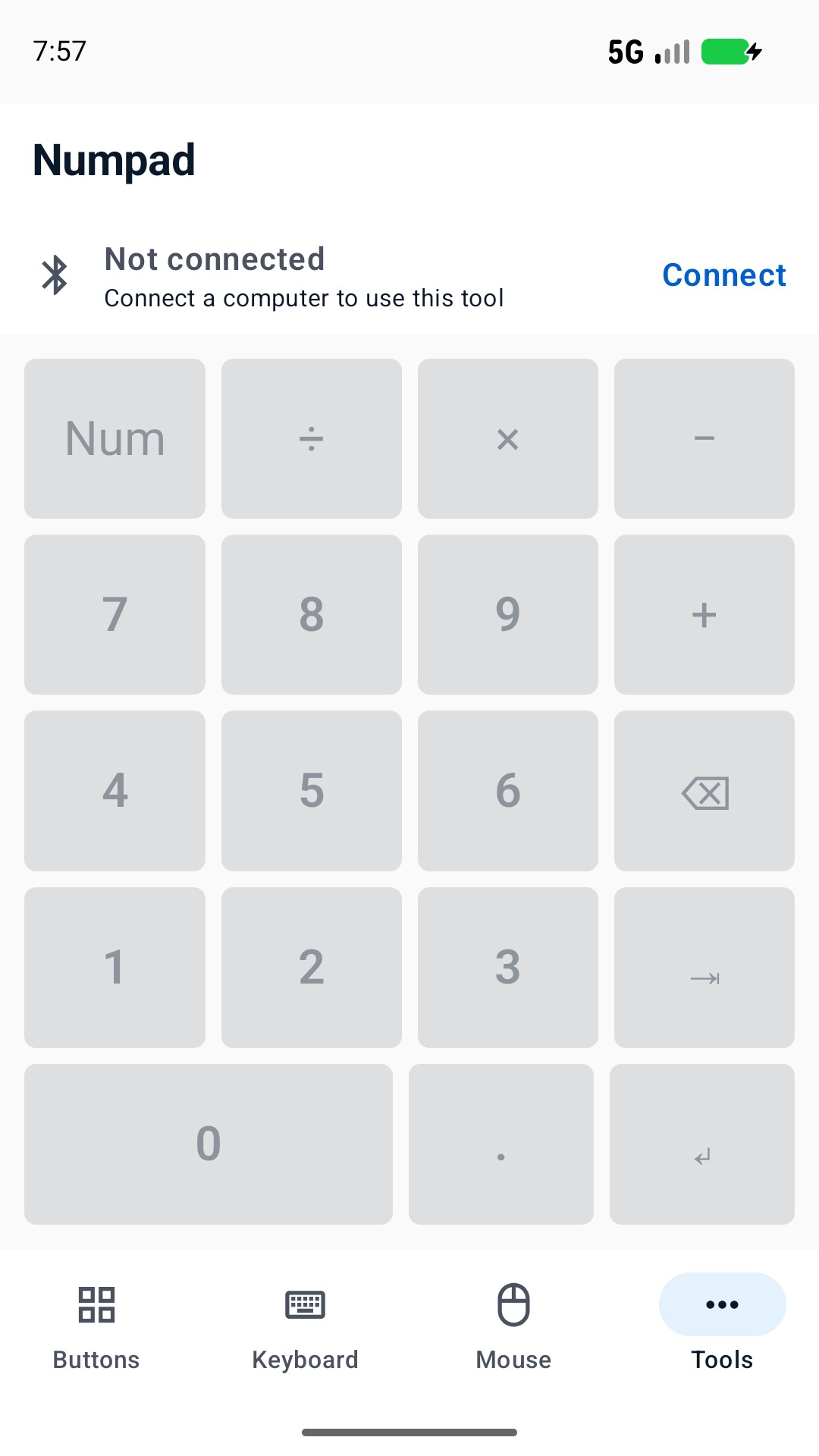
The Numpad tool is a separate number-entry surface. Test digits and decimal punctuation in your spreadsheet; host Num Lock, regional settings and keyboard layout can affect the result. The phone does not validate numbers or formulas.
Limits to keep in mind
- Always check the active workbook, selection and edit mode.
- Do not store account passwords, payment instructions or sensitive record contents in reusable text buttons.
Questions and answers
Will this work with Excel or Google Sheets?
Configure keyboard commands accepted by your chosen application. Browser focus, operating-system shortcuts and custom settings can change behavior; there is no Excel or Sheets data connection here.
Can a button enter Chinese cell labels?
Type text is limited to supported US-layout characters and does not provide direct CJK or emoji transfer. Use your normal input method for those labels.